
Minecraft Coding Programs
Who can participate?
Qualified students are eligible to participate in the Minecraft Coding Credentials certification program.
Homeschool students as of August 2023 must be residents of Bay, Escambia, Franklin , Gulf , Okaloosa , Santa Rosa , Wakulla , or Walton county.
A licensed copy of Minecraft for Education is required to be able to use the Prodigy Coding Credentials Platform. The Minecraft for Education environment can be purchased by anyone with a Microsoft 365 account. Choose “direct purchase” to obtain a license. This will work with the Prodigy Coding platform.
How do I enroll my student?
Students can register through the Minecraft Coding registration form through September 2023
How much does it cost?
The Prodigy Coding Credentials learning platform is free to ASCENT Homeschool participants who have access to a licensed edition of Minecraft for Education.
When does the Minecraft Coding Certification meet?
This training is 100% remote and self-paced. You can start any time during open enrollment which is now through September 2023.
Does my student have to complete the course in a certain time frame?
Registration is open through September 2023 but students do not have to complete the course by this time. Time for completion varies between 4-8 weeks on average but some students may take a little more time. Contact us at ascenthomeschool@pc.fsu.edu if your student needs additional assistance.
What are the system requirements?
Minecraft Education is only available for Windows 7/8/10/11, Mac OS, Chrome (Chromebooks), iPad OS, iPhone or Android. Please contact ascenthomeschool@pc.fsu.edu if you do not have a Minecraft Education license.
As you are using one of these operating systems you will be able to install Minecraft Education and use the Coding in Minecraft credentials & curriculum.
You can read more about requirements for coding in Minecraft here at https://codingcredentials.com/ready/
I have Minecraft Bedrock or Minecraft Java Edition. Is it compatible?
The Coding in Minecraft curriculum only works with a licensed copy of Minecraft Education edition. Bedrock and Java editions will not work with the prodigy coding credentials training.
How do I know if I have a Minecraft Education License?
Your Office 365 Education Edition subscription may provide licensing for Minecraft Education. Licensing is included with the popular A3 and A5 Microsoft 365 (M365 not O365) subscription plans – check with your IT department as to which Office 365 subscription you have.
You can check which Office 365 license is applied to your account by logging onto https://portal.office.com/account/ and clicking on the Subscriptions tab.
For those without Microsoft 365 A3 or A5 subscriptions Minecraft Education licenses can be purchased in a number of ways for approx $5 per user per year.
You can also review the direct purchase options at minecraft.net or contact ascenthomeschool@pc.fsu.edu about a license through ASCENT-FSU.
How do I get a copy of Minecraft for Education to use with this training?
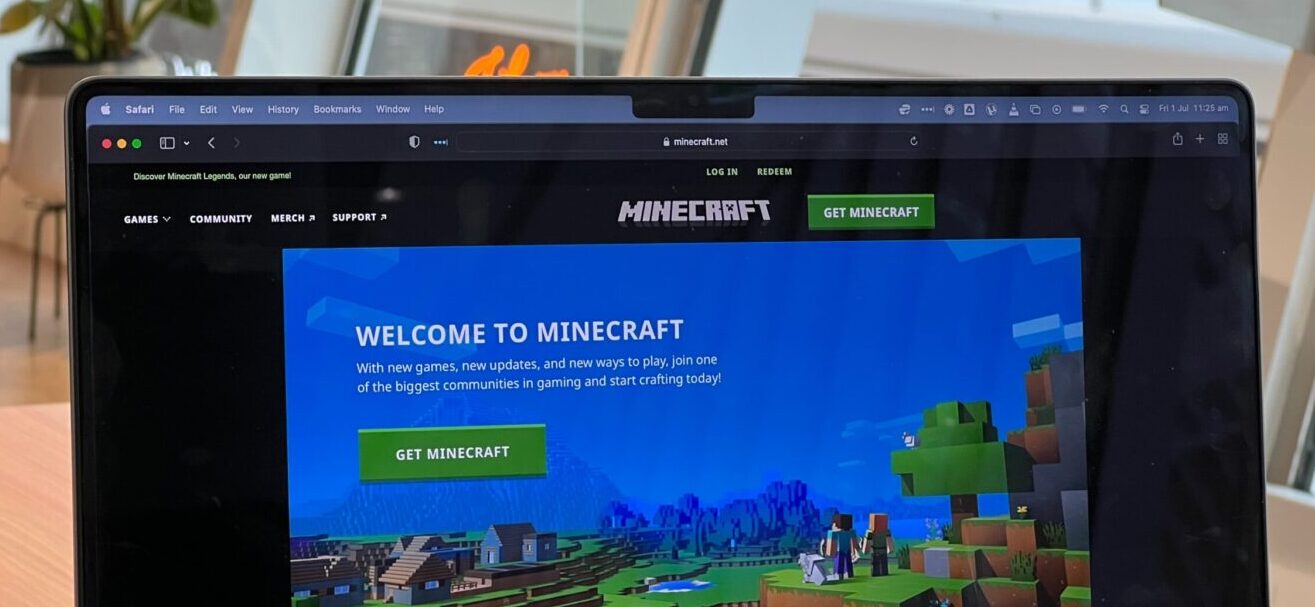
Minecraft for Education is available for direct purchase from Microsoft.net or as an add on for anyone with a Microsoft 365 account. Minecraft.net has 2 articles on purchaing Minecraft for Education for individuals.
Purchasing an Individual License
Purchasing a commercial license (includes individuals)
If you are having difficulty getting a licensed copy of Minecraft for education please contact us at ascenthomeschool@pc.fsu.edu. We do have some temporary licenses available for the duration of the training. Due to the limited number there may be a waiting list to utilize these.
What's the difference between my own Minecraft Education license or using one from FSU?
Using your own Minecraft Education license will be available for the term you purchase (usually 12 months) while using a Minecraft Education license from FSU will be temporary (typically the duration of the curriculum or 4-8 weeks).
850-770-2507
pc.fsu.edu/ASCENT
ascent@pc.fsu.edu
Powered by CreateFSU.
